

Description
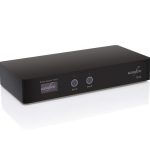
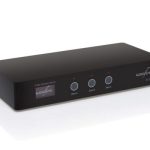
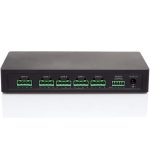
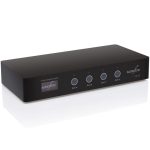
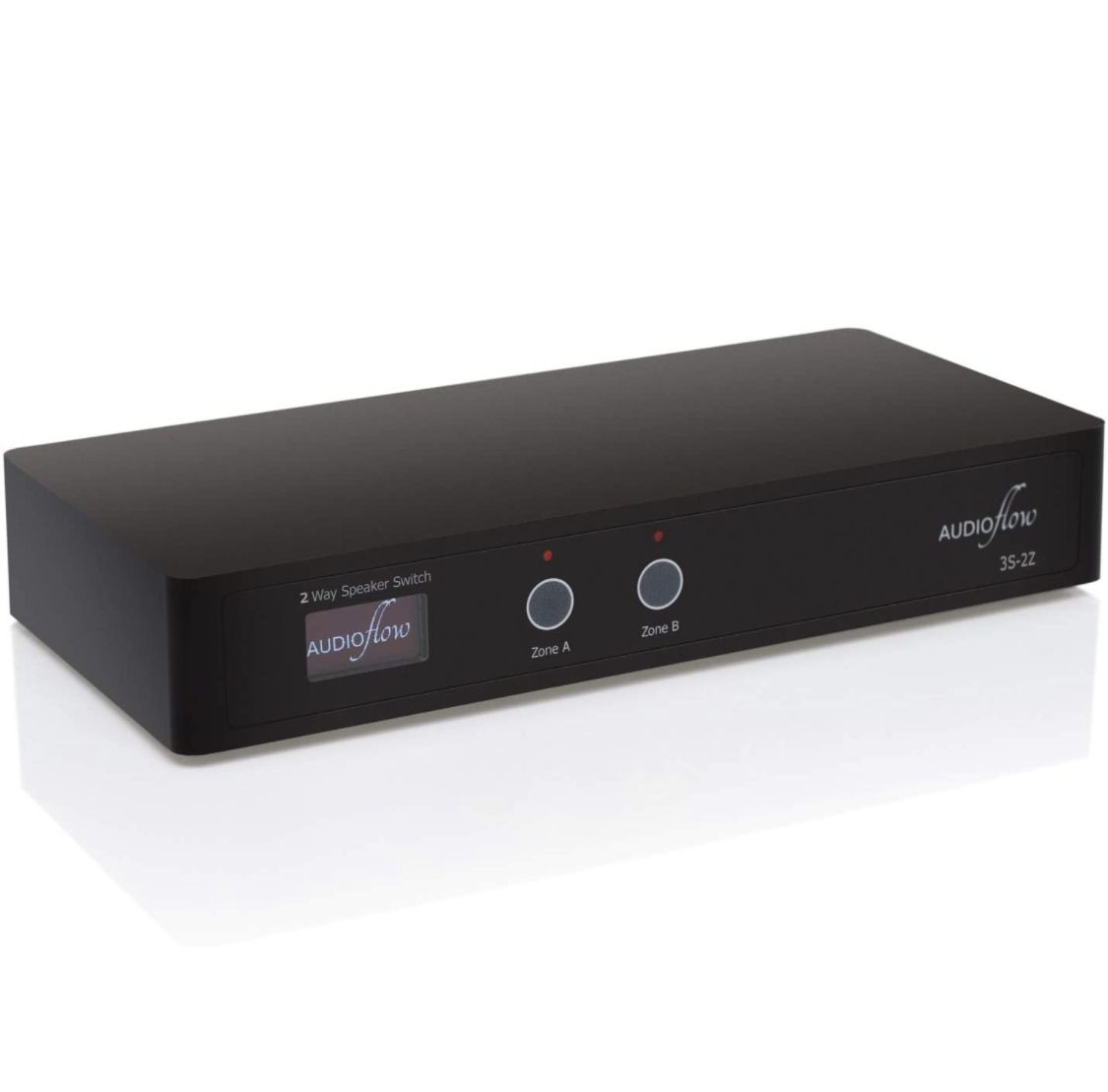
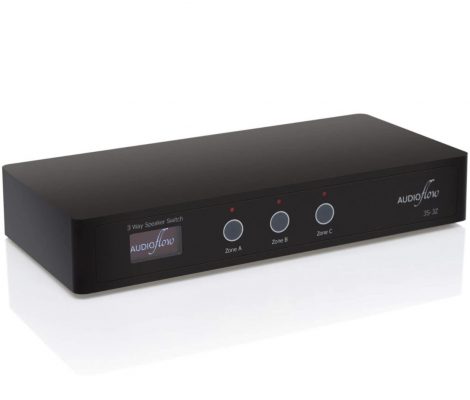
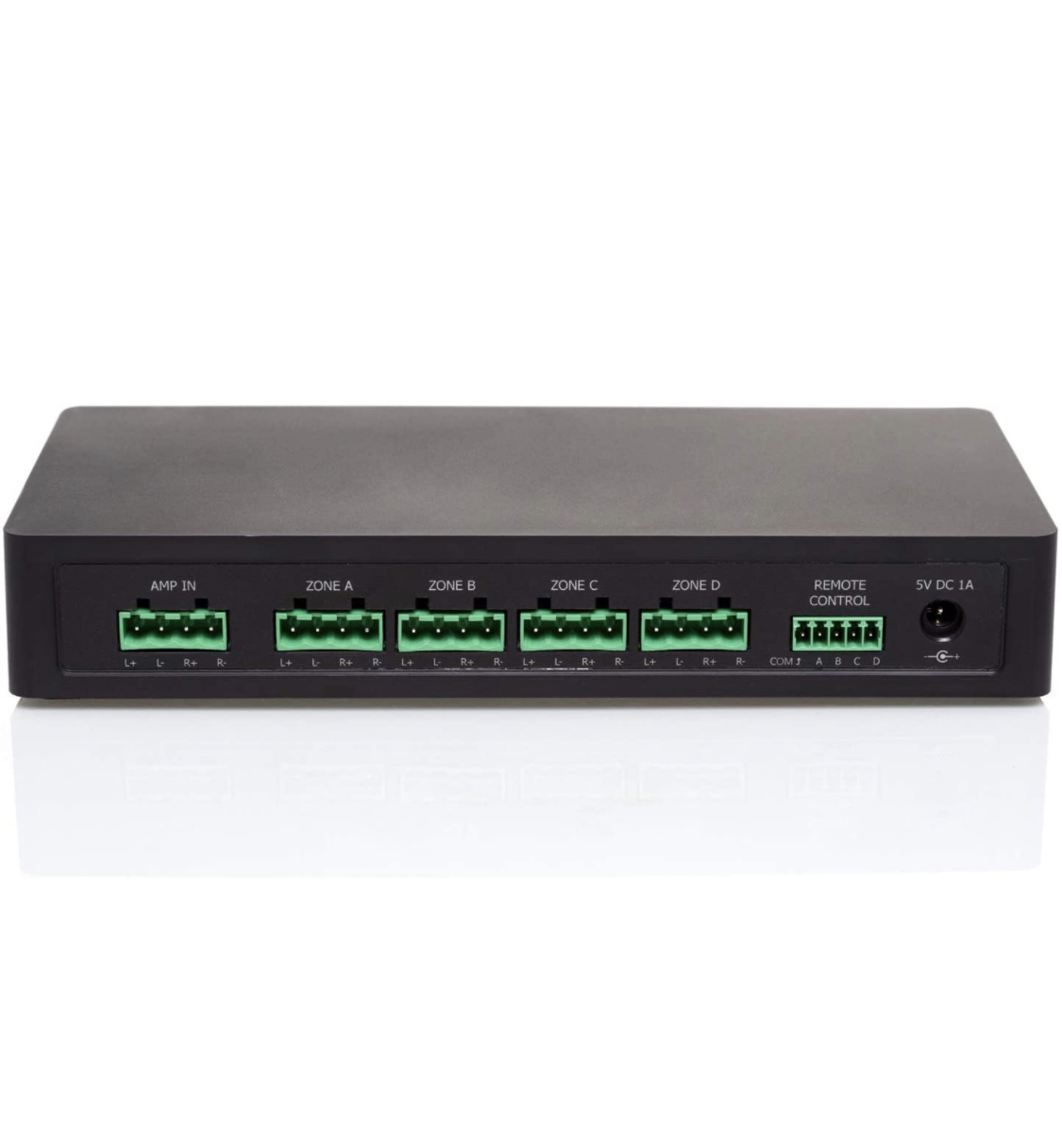
The Audioflow Smart Speaker Switch Selector allows you to connect up to two, three or four pairs of speakers to your stereo amplifier (depending on model)
Enables you to connect speakers in different areas. For example, a Bedroom / Dressing / Ensuite, or an Open Plan Kitchen / Dining / Living Room / Garden without the expense of multiple amplifiers.
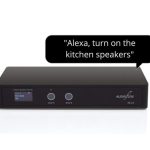
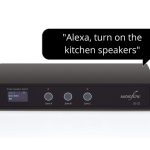
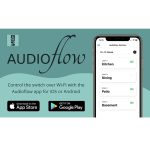
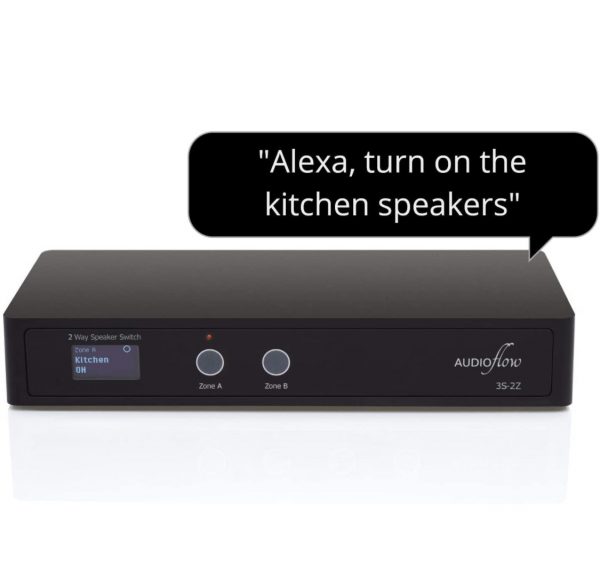
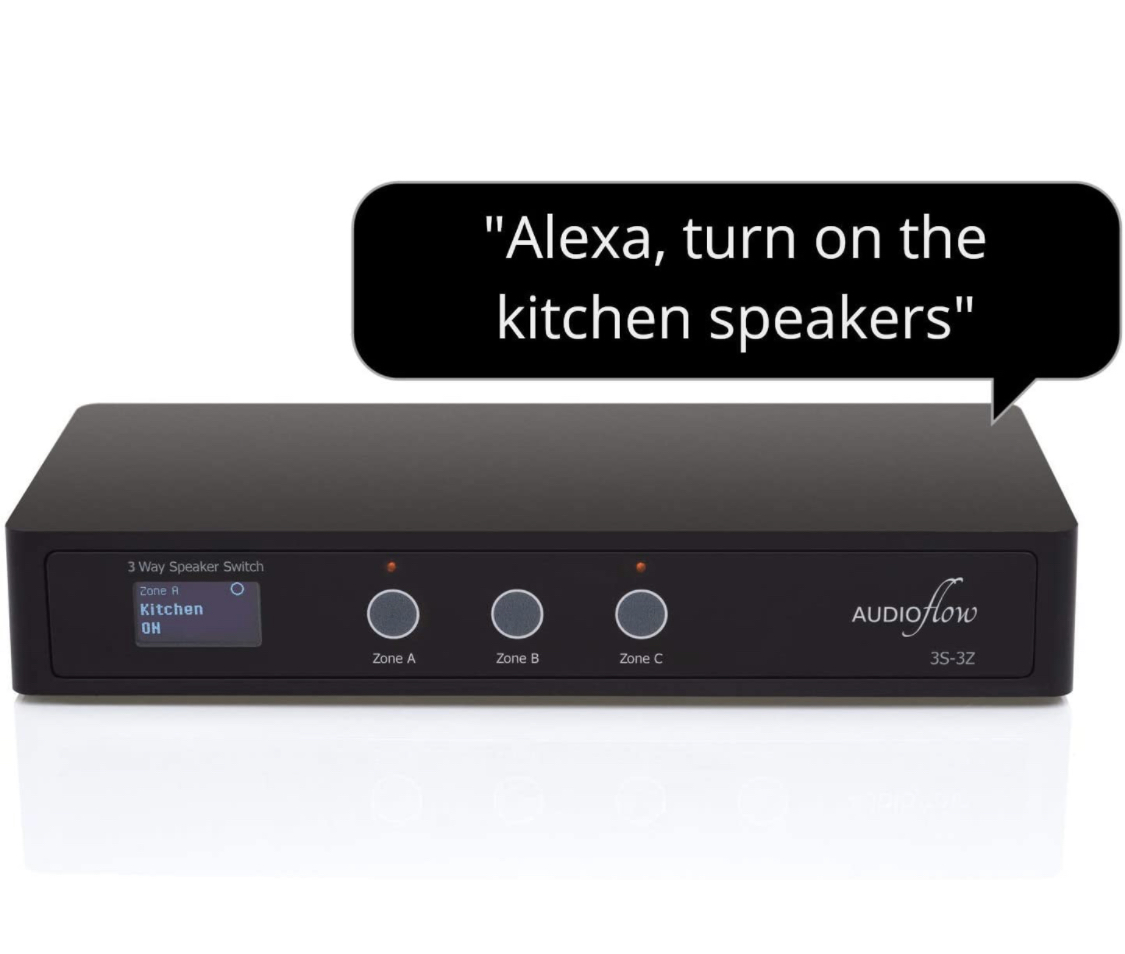
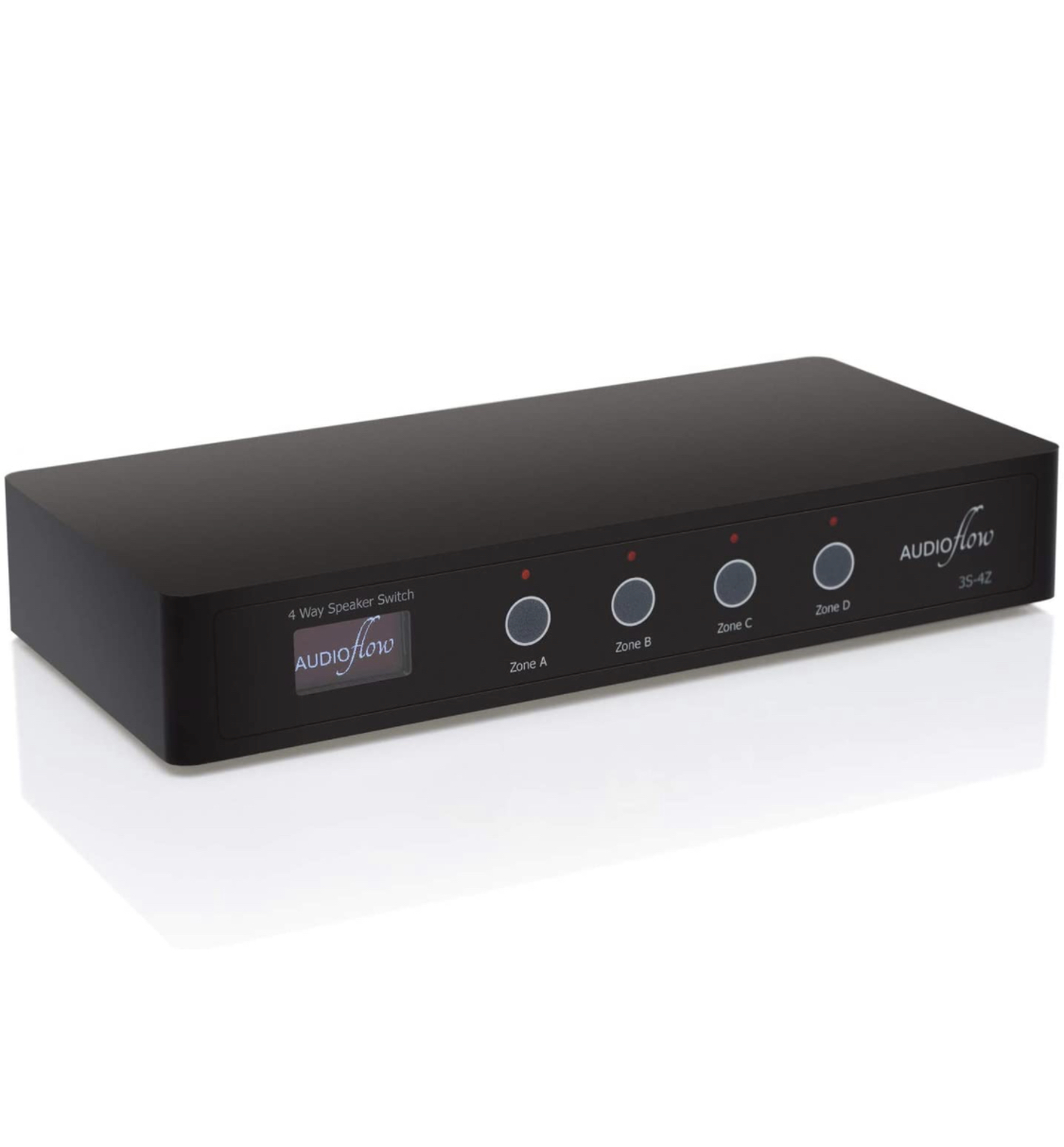
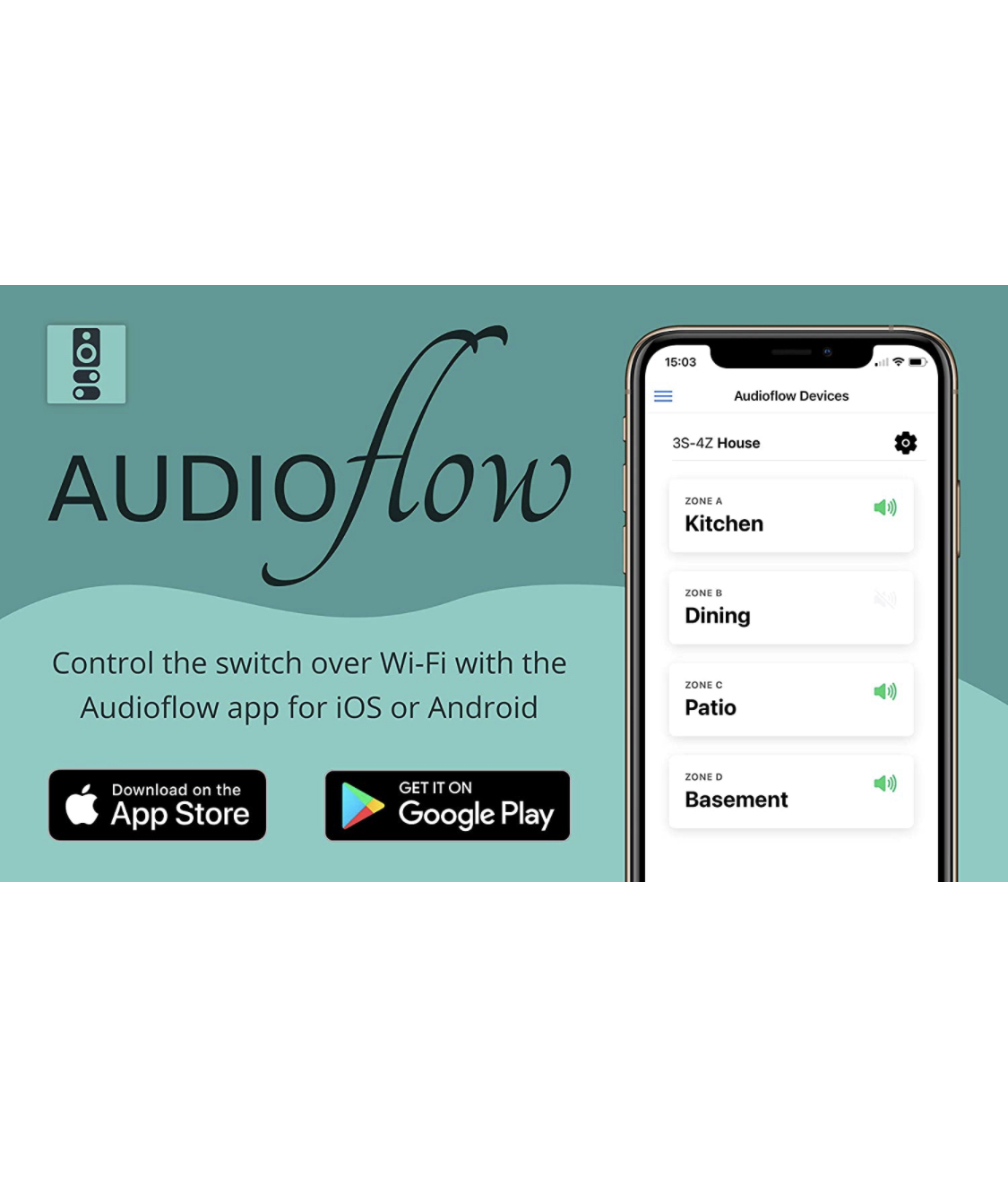
The speaker switch provides flexibility by allowing you to enable and disable any combination of the speakers attached to it with the buttons on the front of the unit, over Wi-Fi with an app for iOS / Android, the Amazon Alexa Voice Assistant or Contact Closure connections.
Features:
- Rated for amplifier outputs up to 300W at 8Ω
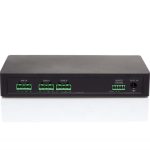
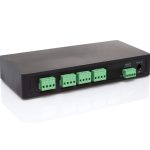
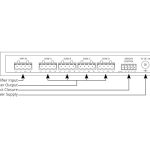
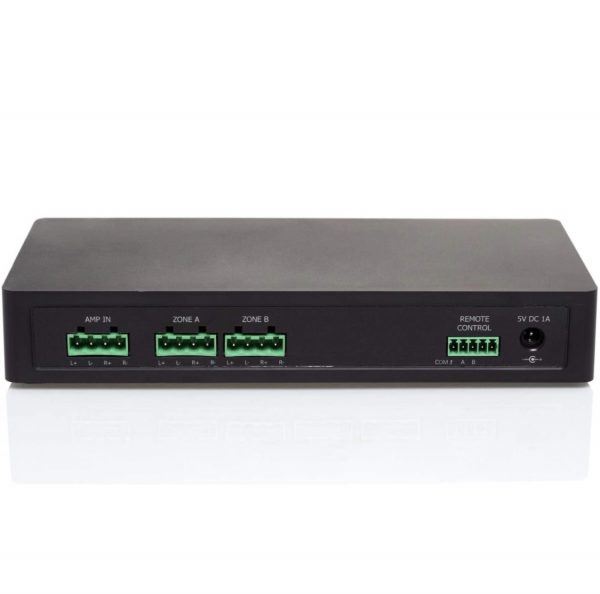
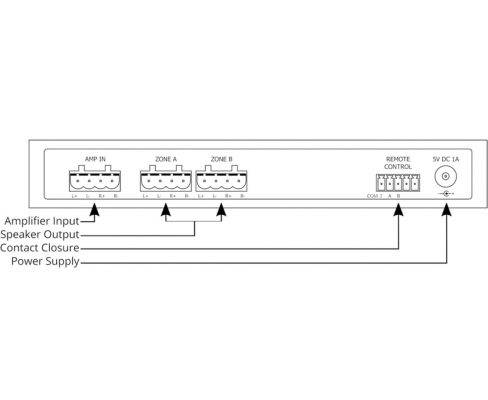
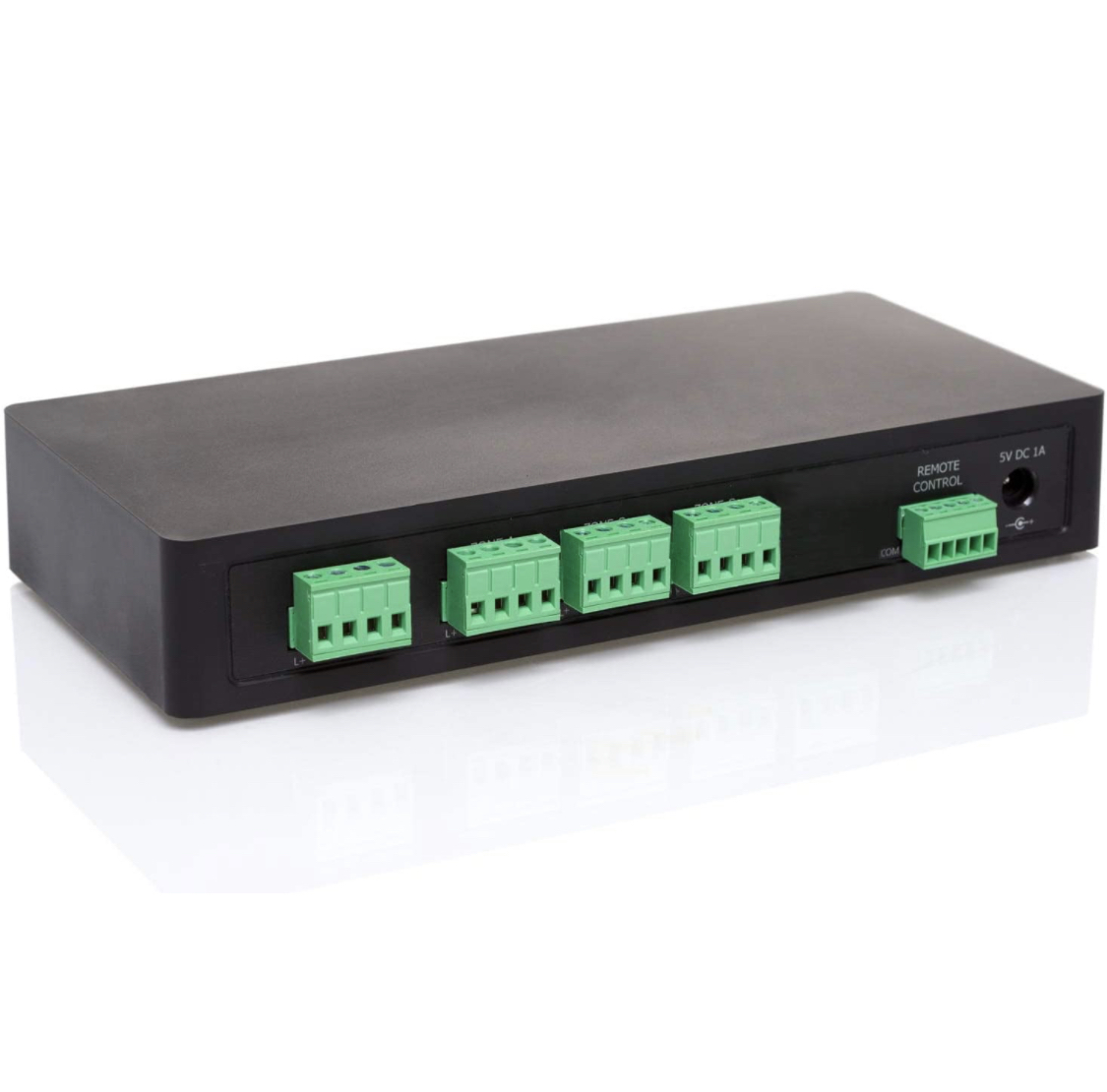
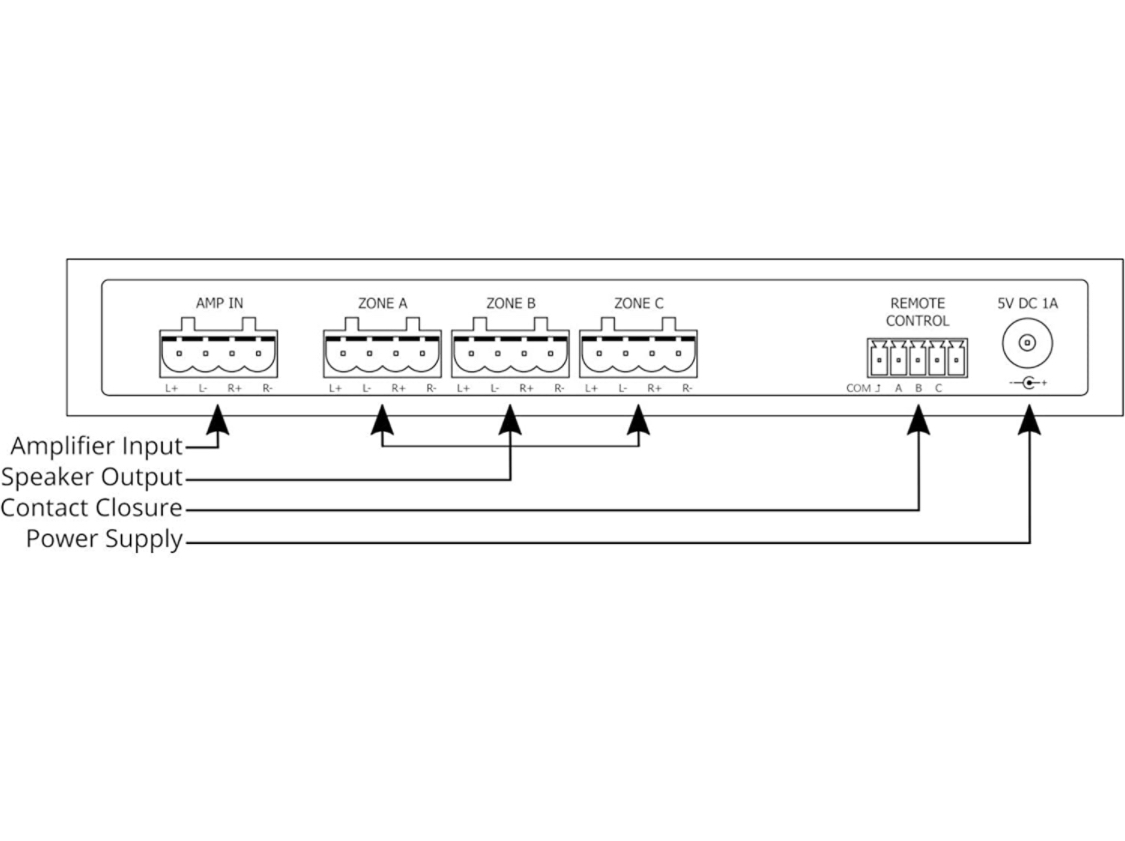
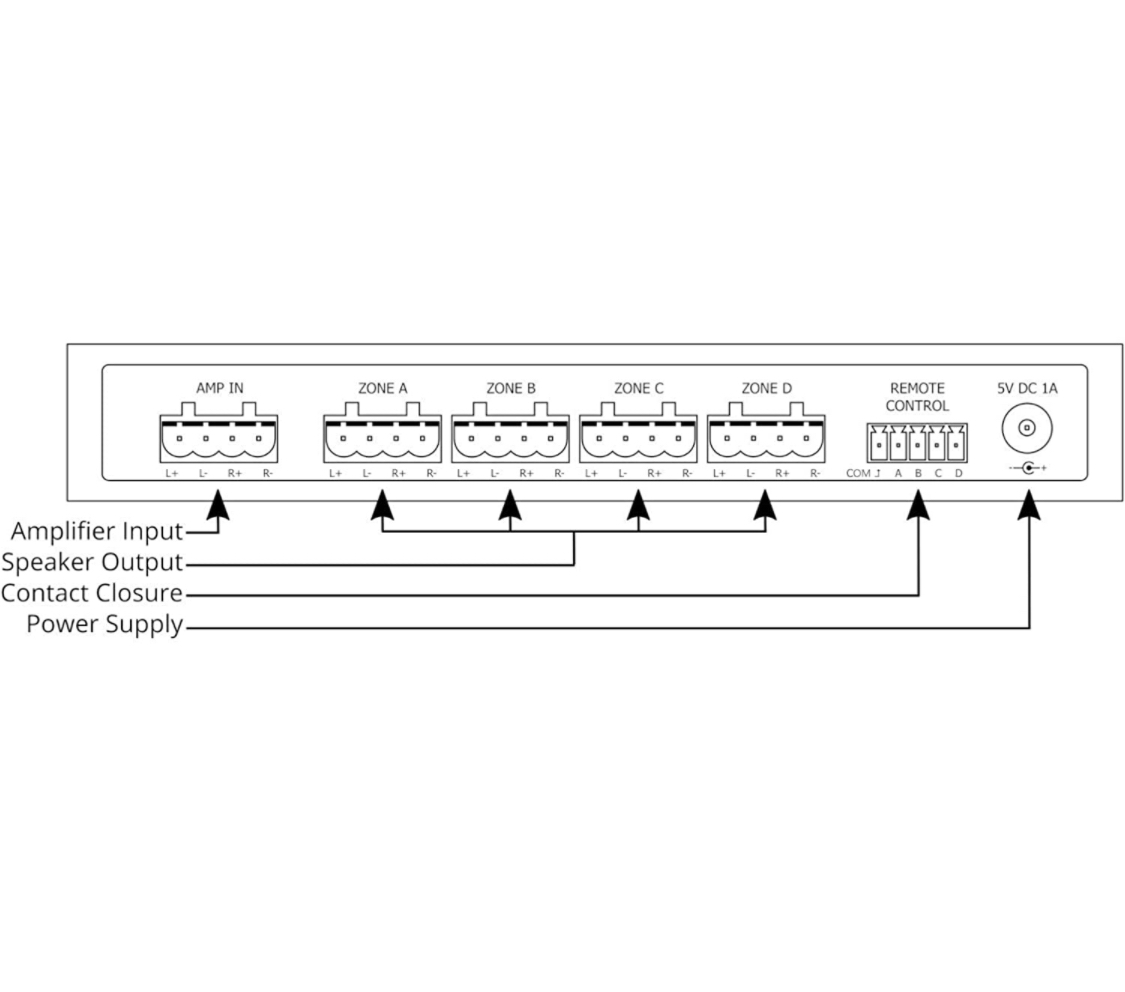
- Easy to use modular connectors for connecting your Amplifier and Speaker Cables
- Simple to operate with a clear OLED display and touch activated manual buttons
- Designed and manufactured in the UK
- Options: 2-way, 3-way, 4-way
What is Contact Closure?
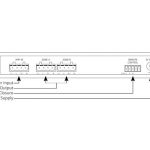
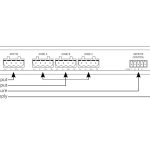
The Remote Control connector at the rear of the switch is a set of volt-free contacts which can be used to remotely control the switch via an attached cable. If you connect the COM (Common) terminal with A, it will toggle Zone A, connect COM with B to toggle Zone B and so on.
The contacts are momentary and would detect pulses of 250ms.
Uses for Contact Closure
Physical Switching: You can use simple low gauge cable such as Cat5 / Cat6 / Telephone / Alarm cable to connect this to a physical momentary switch. e.g., run a cable to a wall switch in a room to turn the speakers on and off from there.
Control Systems
You are able to connect these contacts to relay terminals provided by some control systems to toggle the zones of the speaker switch, for example:
- Control4 – Connect to the relay outputs of your EA-3, EA-5, IO Extender or ZigBee IO (note, you can now use IP Control with Control4 with the free Control4 Driver}
- Lutron – Connect the to the relay outputs of the QSE-IO
- Loxone – Connect to the relay outputs of a Loxone Miniserver or Relay Extension
- ELAN – Connect to the relay outputs of your G! System Controller
- Savant – Connect to the relay outputs of your SmartHost, SmartControl 12, 14, 25 or SmartLighting Controller
- RTI – Connect to the relay outputs of your RCM-4 or RCM-12 Relay Control Module
Of course you can also use other systems not listed here which also have relay outputs.
